
Table of Contents
- Key Takeaways
- Why Meeting Notes Often Fail Teams
- What AI Can Extract from Meeting Notes
- Choose the Right Workflow for the Level of Messiness
- Build a Simple Notes-to-Workflow Pipeline
- Where Automation Actually Helps
- How to Keep AI Outputs Reliable
- A Practical Prompt Structure for Turning Notes into Workflows
- Final Thoughts
Most teams do not have a meeting notes problem. They have a follow-through problem. Decisions get discussed, action items get mentioned, and then the details disappear into a long document that nobody revisits. AI can help close that gap by turning raw notes into a structured workflow: who does what, by when, and in what order.
The goal is not to replace judgment or automate every management decision. The goal is to reduce manual cleanup so teams can move from discussion to execution faster. Used well, AI can transform meeting notes from passive records into a practical operating system for work.
Key Takeaways
- AI is most useful when it turns unstructured notes into structured outputs: tasks, owners, deadlines, dependencies, and priorities.
- The best workflows combine AI extraction with human review, especially for decisions that affect timelines or accountability.
- Simple prompt templates and consistent note formats produce better results than trying to summarize chaotic notes after the fact.
- Automation should focus on routing work into the tools your team already uses, such as project boards, ticketing systems, or shared task lists.
- Quality control matters: confirm names, dates, and commitments before publishing workflows to the team.

Why Meeting Notes Often Fail Teams
Meeting notes tend to capture conversation, not execution. Someone writes down what was discussed, but the result is rarely actionable. Tasks are buried in paragraphs. Decisions are implied instead of explicit. Follow-up ownership is missing.
That creates a predictable breakdown. People leave the meeting with different interpretations. The project manager spends time rewriting notes into a usable format. And because the workflow is manual, the quality depends on how organized one person happens to be that day.
AI helps by doing the repetitive transformation work: identifying action items, mapping them to owners, and organizing them into a format that can be reviewed quickly. That does not eliminate the need for a human decision-maker, but it removes a lot of friction.
What AI Can Extract from Meeting Notes
The most useful AI workflows start with a clear extraction target. Instead of asking the model to “summarize the meeting,” ask it to find specific information.
- Action items: tasks that need to be completed after the meeting.
- Owners: the person or team responsible for each task.
- Deadlines: explicit dates or relative timing such as “by Friday.”
- Decisions: choices that were finalized during the meeting.
- Risks and blockers: unresolved issues that may delay progress.
- Dependencies: work that must happen before another task can begin.
When AI extracts these elements consistently, the output becomes much more useful than a generic summary. It can be reviewed, edited, and sent directly into a task system.
Choose the Right Workflow for the Level of Messiness
Not every meeting produces the same kind of note quality. A clean agenda-based leadership meeting requires a different workflow than a fast-moving brainstorm or customer call. The more structured the input, the more reliable the automation.
| Meeting Type | Note Quality | Best AI Workflow | Human Review Needed |
|---|---|---|---|
| Weekly team standup | Moderate | Extract tasks and owners into a checklist | Light |
| Project planning meeting | High | Convert decisions into a task board with deadlines | Moderate |
| Brainstorming session | Low | Cluster ideas, then create a separate action list | High |
| Client meeting | Variable | Pull commitments, risks, and follow-ups into CRM or project tools | High |
The table matters because the workflow should match the risk. If a meeting affects client commitments or a launch timeline, use AI as an assistant, not as the final authority. For routine internal meetings, a lighter review process is usually enough.
Build a Simple Notes-to-Workflow Pipeline
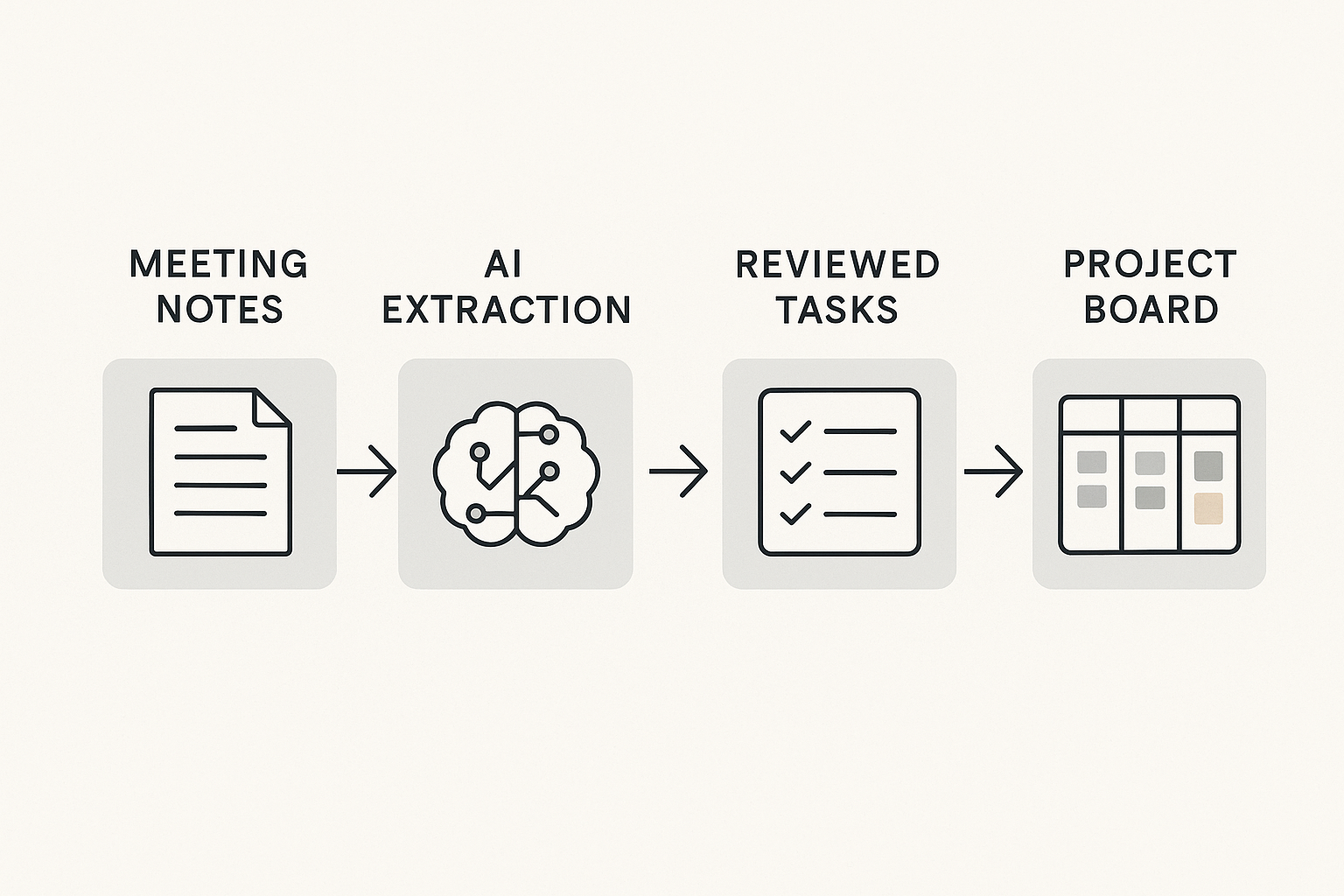
A reliable pipeline usually has four steps. It does not need to be complex, but it should be consistent.
1. Capture the notes in a structured format
Use headings like decisions, action items, blockers, and follow-ups. Even if the notes are rough, structure gives the AI a better foundation. A model is much more accurate when it can recognize categories instead of guessing from a wall of text.
2. Ask AI to extract specific fields
Instead of a broad prompt, request a structured output. For example: list all action items, assign an owner if one is mentioned, note any due date, and flag uncertain items for review. This makes the result easier to move into a workflow tool.
3. Review and correct the output
This step is essential. AI may misread names, miss implicit deadlines, or infer ownership where none was stated. A quick review by the meeting owner or project lead keeps the workflow accurate.
4. Push the output into execution tools
Once reviewed, the output can be copied into a project board, task manager, ticketing system, or team document. The point is to reduce manual transcription, not create yet another place where work gets lost.
Where Automation Actually Helps
The highest-value automation is not flashy. It removes repetitive admin work that slows teams down.
- Task creation: turn action items into tasks with titles, owners, and due dates.
- Workflow routing: send tasks to the right team or board based on topic.
- Reminder generation: create follow-up reminders for time-sensitive items.
- Decision logging: store important decisions in a searchable knowledge base.
- Meeting follow-up drafts: generate a clean recap email or Slack summary for the team.
These automations work best when the output is narrow and predictable. A good rule: automate the conversion of information, not the judgment behind it. Let AI prepare the workflow; let humans approve the workflow.
How to Keep AI Outputs Reliable
AI output quality depends heavily on the quality of the input and the clarity of the task. If notes are scattered, names are inconsistent, or the meeting covered too many topics at once, the model will struggle.
There are a few practical ways to improve reliability:
- Use the same note template every time.
- Record speaker names or role labels when possible.
- Separate decisions from discussion in the notes.
- Ask AI to mark uncertain items instead of guessing.
- Keep a human review step for deadlines, commitments, and client-facing work.
It also helps to treat the AI like a junior operations assistant. Give it a specific job, not a vague assignment. The more explicit the instructions, the less cleanup you need later.
A Practical Prompt Structure for Turning Notes into Workflows
You do not need a long prompt to get useful results. A focused one usually works better.
Try a structure like this:
- Summarize only action items, decisions, and blockers.
- List each action item in a separate bullet.
- Include owner, deadline, and dependency if available.
- Flag anything unclear for human review.
- Return the result in a table or checklist format.
That format gives you output you can actually use. It also makes it easier to automate the next step, because the data is already organized in a predictable way.
Final Thoughts
AI is most valuable in meeting workflows when it reduces translation work. Teams do not need more summaries. They need clearer next steps. If you structure your notes well, use AI for extraction, and keep a human review step in the loop, meeting notes can become a dependable source of action instead of an archive of good intentions.
The practical win is simple: less time rewriting notes, fewer missed follow-ups, and a cleaner path from discussion to execution.