
Table of Contents
- Key Takeaways
- Start with the right support tasks
- Choose the right automation model
- Build guardrails that protect service quality
- Design the handoff between AI and humans
- Measure quality, not just deflection
- Roll out automation in phases
- Final thoughts
AI is already reshaping customer support, but the businesses getting it right are not trying to replace support teams outright. They are using AI to handle repetitive, high-volume work so human agents can focus on the cases that require judgment, empathy, or escalation. The goal is not cheaper support at any cost. The goal is faster, more consistent service without creating frustration for customers.
That distinction matters. Customers are often willing to use AI for simple questions, but they quickly lose patience when the system cannot answer, loops them in circles, or makes confident but wrong claims. The most effective support automation strategies are built around service quality first, then efficiency. If you get that balance right, AI can improve response times, reduce ticket backlogs, and raise agent productivity without damaging trust.
Key Takeaways
- Use AI to automate repetitive, low-risk support tasks first.
- Keep human agents in the loop for complex, sensitive, or high-value cases.
- Build clear escalation paths so customers can reach a person quickly.
- Measure quality, not just cost savings or deflection rates.
- Train AI on approved knowledge and keep content continuously updated.
Start with the right support tasks
Not every support task should be automated. The best candidates are the ones that are frequent, structured, and relatively low-risk. Think order status checks, password resets, shipping updates, basic troubleshooting, account changes, appointment confirmations, and refund policy questions. These interactions usually follow predictable patterns, which makes them suitable for AI-assisted automation.
By contrast, issues involving billing disputes, cancellations, account access exceptions, legal concerns, or emotionally charged complaints often need a human response. Automating those too early can do more harm than good. A good rule is simple: if the issue requires nuanced judgment or can affect revenue, trust, or compliance, human review should remain part of the process.
Many teams also underestimate the value of partial automation. AI does not need to fully resolve every case to be useful. It can classify intent, summarize the issue, suggest a response, pull relevant policy information, or route the ticket to the right specialist. That alone can reduce handling time and improve consistency.
Choose the right automation model
Customer support automation usually falls into a few broad approaches. Some businesses use chatbots on the front end. Others rely on AI copilots that help human agents answer faster. Many combine both. The right model depends on ticket volume, support complexity, brand risk, and the quality of your knowledge base.

For most companies, a layered approach is the safest and most effective. The AI handles simple questions and internal assistance, while humans handle exceptions and edge cases. That gives customers quick answers when possible and a clean handoff when necessary.
| Automation approach | Best for | Strengths | Risks |
|---|---|---|---|
| Chatbot self-service | Routine FAQs and common workflows | Fast, scalable, available 24/7 | Can frustrate users if answers are incomplete |
| Agent copilot | Live support teams | Improves response speed and consistency | Depends on agent adoption and training |
| Ticket triage automation | High-volume support queues | Speeds routing and prioritization | Misclassification can delay resolution |
| End-to-end automation | Simple, low-risk requests | Reduces handling cost significantly | Requires strong guardrails and monitoring |
End-to-end automation should usually be introduced last, not first. Businesses often get better results by starting with triage and agent assistance, then expanding once the system proves reliable.
Build guardrails that protect service quality
AI support systems need boundaries. Without them, they may answer too broadly, invent details, or give advice that sounds confident but is wrong. Service quality depends less on raw model capability and more on the controls around it.
Use approved knowledge sources
Ground the AI in content you control: help center articles, policy documents, product manuals, internal playbooks, and current operational updates. If the system can only answer from approved sources, the risk of hallucination drops significantly. That also makes updates easier when policies change.
Set confidence thresholds and fallback rules
The system should know when it is unsure. If confidence is low, it should ask a clarifying question, offer a limited answer, or escalate immediately. A well-designed fallback is a feature, not a failure. It protects the customer experience when the model does not have enough context.
Preserve tone and accountability
AI-generated responses should sound consistent with your brand, but not overly polished or robotic. More important, customers should always know when they are interacting with automation and how to reach a human. Transparency builds trust, especially when the AI is helping with sensitive or time-dependent issues.
Design the handoff between AI and humans
The handoff is where many support automation projects succeed or fail. If a customer has to repeat the same information multiple times, the experience feels broken, even if the AI worked well at first. A good handoff should transfer the full context: conversation history, issue category, urgency, customer details, and any actions already taken.
Human agents should also have visibility into what the AI did and why it escalated. That helps them continue the conversation without starting from scratch. It also gives supervisors a way to spot recurring issues in the automation flow.
There is another important point: escalation should be easy. Customers should not need to argue with the bot to reach a person. If the AI cannot resolve the issue quickly, the system should move on gracefully. Making escalation harder does not lower costs in the long run; it usually increases churn and repeat contacts.
Measure quality, not just deflection
One of the biggest mistakes in AI support is measuring success only by how many tickets the system deflects away from humans. Deflection matters, but it is not the same as good service. A bot that closes tickets quickly but leaves customers confused is not creating value.
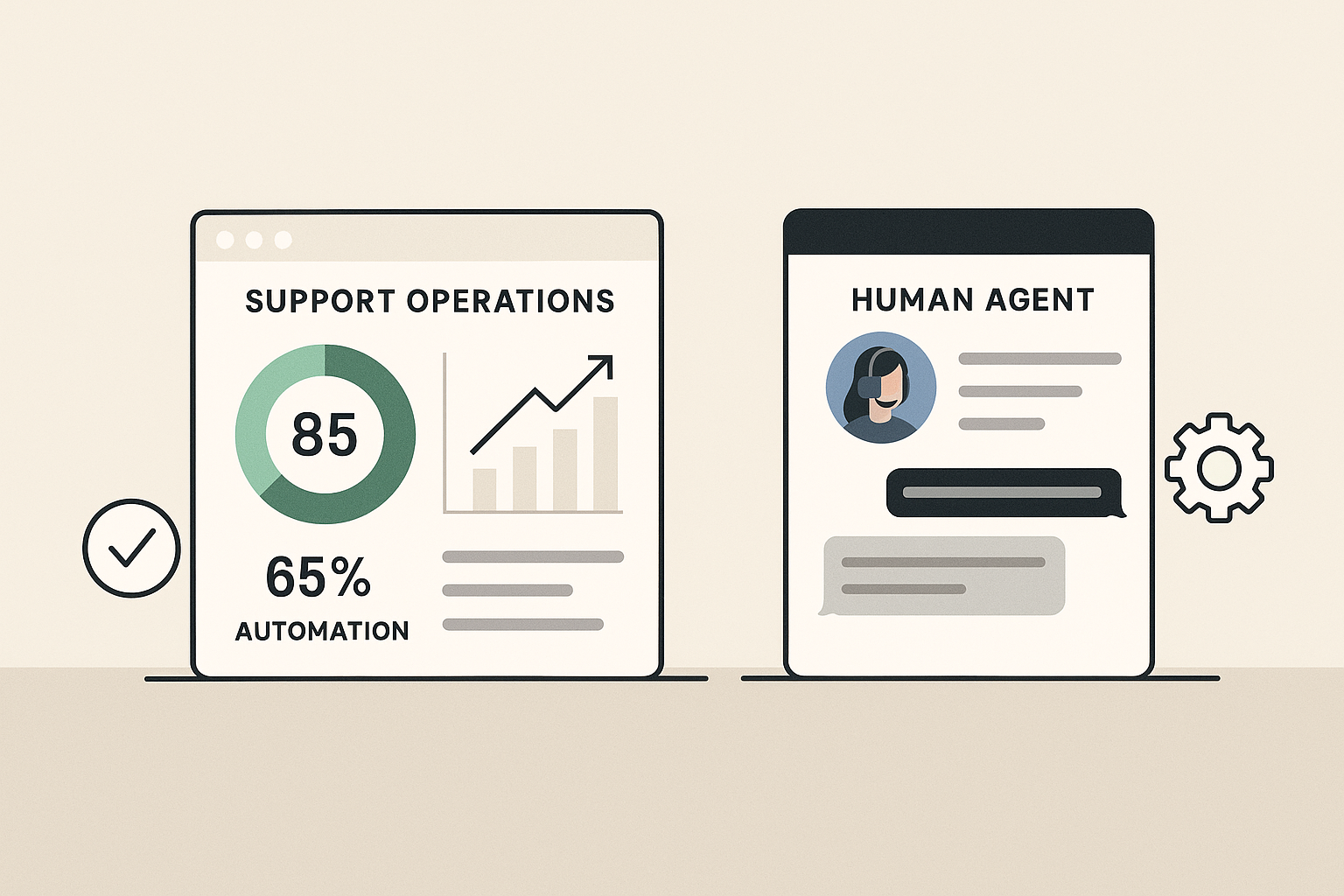
A better measurement framework includes both efficiency and experience. Track resolution rate, first-contact resolution, average handle time, transfer rate, customer satisfaction, repeat contact rate, and escalation accuracy. If possible, compare AI-assisted interactions against fully human ones.
It also helps to review failure cases manually. Look at conversations where customers abandoned the flow, asked the same question twice, or escalated after a wrong answer. These examples reveal where the system needs better content, routing logic, or guardrails.
Feedback loops are essential. AI support systems improve when teams regularly retrain them using real conversations, updated policies, and agent feedback. Without that process, performance tends to drift as products and customer expectations change.
Roll out automation in phases
The safest way to adopt AI in customer support is incrementally. Start with one use case, one queue, or one customer segment. This keeps the risk manageable and gives your team time to refine the workflow before scaling.
- Phase 1: automate internal triage and suggestion tools for agents.
- Phase 2: launch AI for simple self-service questions with clear escalation.
- Phase 3: expand to more workflows once accuracy and satisfaction stay stable.
- Phase 4: use analytics to optimize content, routing, and staffing plans.
During rollout, make sure agents are trained on how the AI works and what it can and cannot do. Support teams often resist automation when it feels imposed on them. They usually adopt it more readily when it removes repetitive work and helps them resolve issues faster.

It is also worth involving legal, compliance, and operations teams early if the support workflow touches regulated data or customer financial information. The earlier those constraints are built into the process, the less likely the project is to stall later.
Final thoughts
AI can absolutely improve customer support, but only when businesses treat service quality as the main objective. The strongest systems do not try to automate everything. They automate the right tasks, use clear guardrails, and hand off smoothly to humans when the situation demands it.
If your support strategy is built around speed, accuracy, and accountability, AI becomes a practical tool rather than a risk. That is how businesses reduce cost and protect customer trust at the same time.